
Run Don’t Walk – Primary Computing proudly presents:
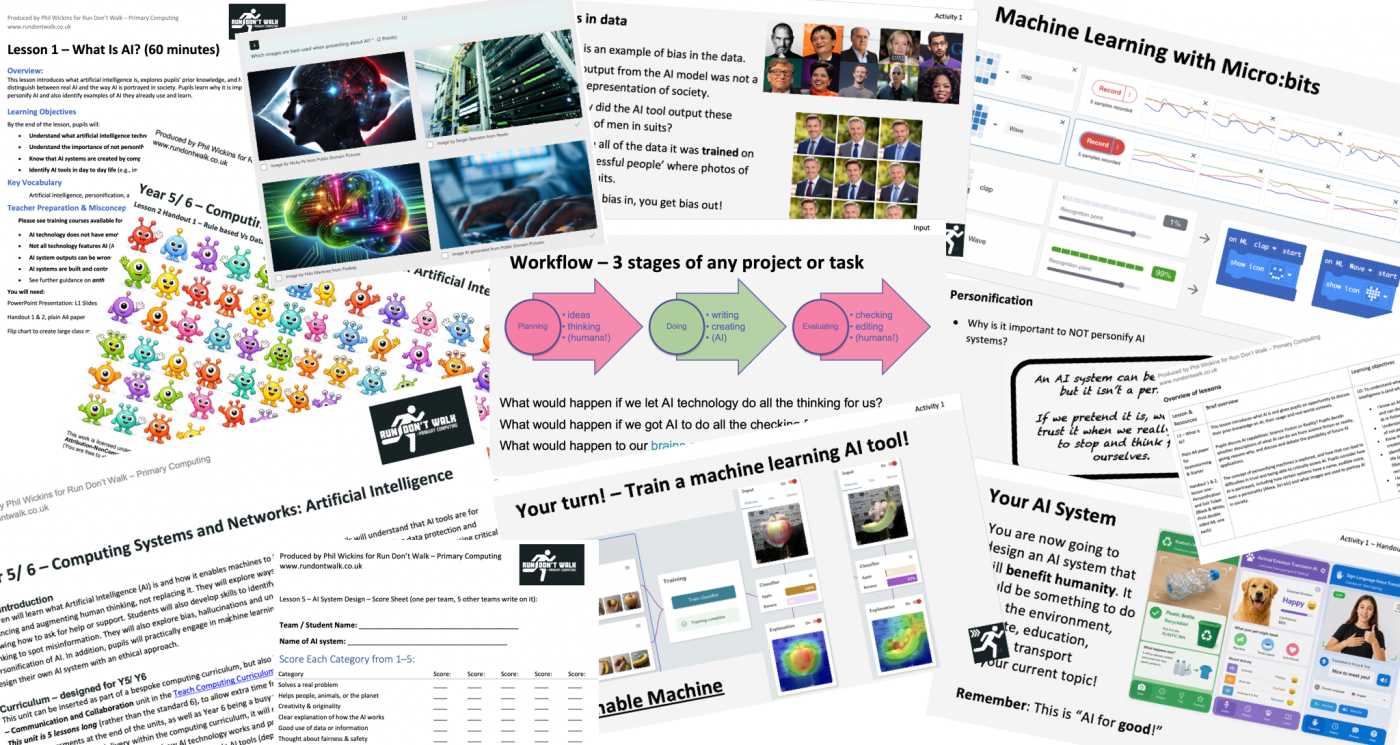
Computer Systems and Networks – Artificial Intelligence – a computing unit comprising of 5 lessons (for KS2/KS3)
UPDATE: Now available for the Curriculum for Wales in both English and Cymraeg versions: Artificial Intelligence/ Deallusrwydd Artiffisial – Adapted and translated for the Curriculum for Wales
Created by Phil Wickins, This work is licensed under CC BY-NC-SA 4.0 for Run Don’t Walk Primary Computing 2026 Attribution-NonCommercial-ShareAlike 4.0 International – (You are free to share and adapt, but not for commercial purposes and must give credit to Phil Wickins – Run Don’t Walk Computing)
Unit introduction
Students will learn what Artificial Intelligence (AI) is and how it enables machines to learn from data. Students will understand that AI tools are for enhancing and augmenting human thinking, not replacing it. They will explore ways to approach AI safely, understanding data protection and knowing how to ask for help or support. Students will also develop skills to identify what is real and fictional when interacting with AI, using critical thinking to spot misinformation. They will also explore bias, hallucinations and understand the concern over the anthropomorphism and personification of AI. In addition, students will practically engage in machine learning activities online, and unplugged activities in the classroom and design their own AI system with an ethical approach.
Curriculum – designed for KS2/3 (ages 8 – 14)
This unit has been designed specifically around the anticipated upcoming changes to the National Curriculum – updates of the wording in certain areas will be available when the new curriculum is published.
This unit can be inserted as part of a bespoke computing curriculum, but also is designed to replace a Computing Systems and Networks unit in the Teach Computing Curriculum and Oak Academy Computing Curriculum.
This unit is 5 lessons long (rather than the standard 6), to allow extra time for lesson 2 which may take longer due to practical activities (lesson 2 has a variety of machine learning tools to spend time on!), and extra time for assessments at the end of the units.
As this unit of work is for delivery within the computing curriculum, it will cover all three strands of computing:
- Computer Science – Foundation – how AI technology works and practical engagement with machine learning and unplugged examples
- Information Technology – Application – using simple AI tools (depending on school policy and parental consent)
- Digital Literacy – Implication – how to approach AI with an understanding of putting humans at the centre (control and responsibility) and using safely, ethically and to know where to go to get help and support.
Included in the resource folder for this unit are:
- A unit overview – including a list of hardware and software requirements (Doc & PDF)
- Individual lesson plans (Doc & PDF)
- Presentations for each lesson (MS Powerpoint)
- 2 forms of assessment: Rubric (Doc & PDF) and Online Quiz (MS Forms)
- Printable Handouts (Doc & PDF)
- Digital resources for machine learning activities
- A template letter for parents and carers
If you would like CPD or support around this unit, I have set up 4 dates for short after school sessions: CPD – How to introduce AI into the classroom. These sessions are to support you in delivering the lessons, and include whole school strategies, live demonstrations of the machine learning tools and opportunities for you to ask any questions.
Phil’s training about teaching AI in primary schools was extremely useful, interesting and thought-provoking. The delivery of the course was engaging and the resources shared all look extremely useful (and free!). I look forward to using the resources in my school and sharing some of the suggestions with colleagues. Thank you for making me feel so much less overwhelmed about introducing AI.
Charlotte Barnard – Computing PPA Teacher and Subject Lead – St John’s Primary
I am also available for longer remote online CPD sessions/ workshops/ Inset days to help you and your fellow teaching staff prepare for delivering this unit of lessons in the classroom; please see the Run Don’t Walk homepage for rates and contact details.
Click here to download: Computer Systems and Networks – Artificial Intelligence – Run Don’t Walk Primary Computing
AI Declaration: Apart from some images used on the lesson slides (for demonstration purposes – captioned in the slide notes), AI was not used in the creation of this resource.
If you are interested in further resources for year groups Year 1-6 around AI literacy, then take a look at these fantastic free lessons by Claire Walmsley – Computing With Claire – AI Literacy
I am passionate about providing free, high quality resources for teachers – I have been developing this unit of work for over a year, and will continue to update and develop it (please check this page for updates each time you use it!).
However, although I’m giving this away for free (with the hope that you will provide feedback and comments/ reviews!) if you do feel that you wish to give a voluntary donation, please use the form below, and thank you so much!!
Make a one-time donation
Make a monthly donation
Make a yearly donation
Choose an amount
Or enter a custom amount
Your contribution is appreciated.
Your contribution is appreciated.
Your contribution is appreciated.
Alternatively, for a smaller donation or a lovely gesture, you could simply buy me a coffee!

Special thanks to the OG team who helped inspire and design the very first iteration of this unit during a course I was delivering back in March 2025!
Thank you Kate Arrandale, Elizabeth Horner, Kate McBride and Stephen Follant.
I hope you enjoy the updated and polished version!!!
Also thanks to Matt Wimpenny-Smith, Jane Wait and Nic Hughes for your feedback and encouragement! You’re all legends.
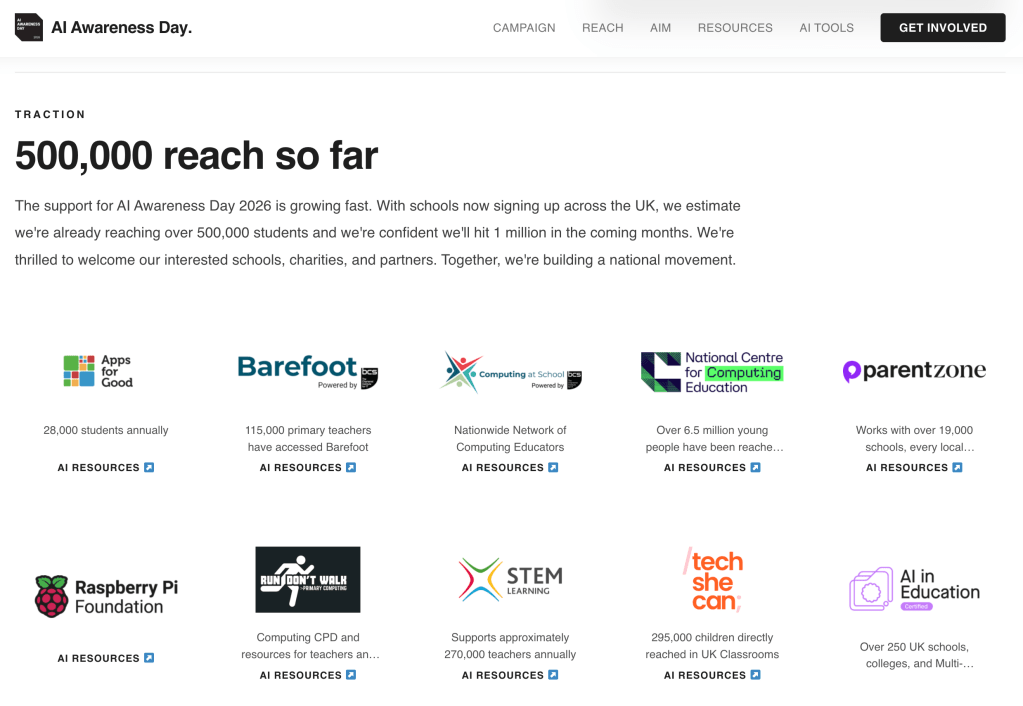
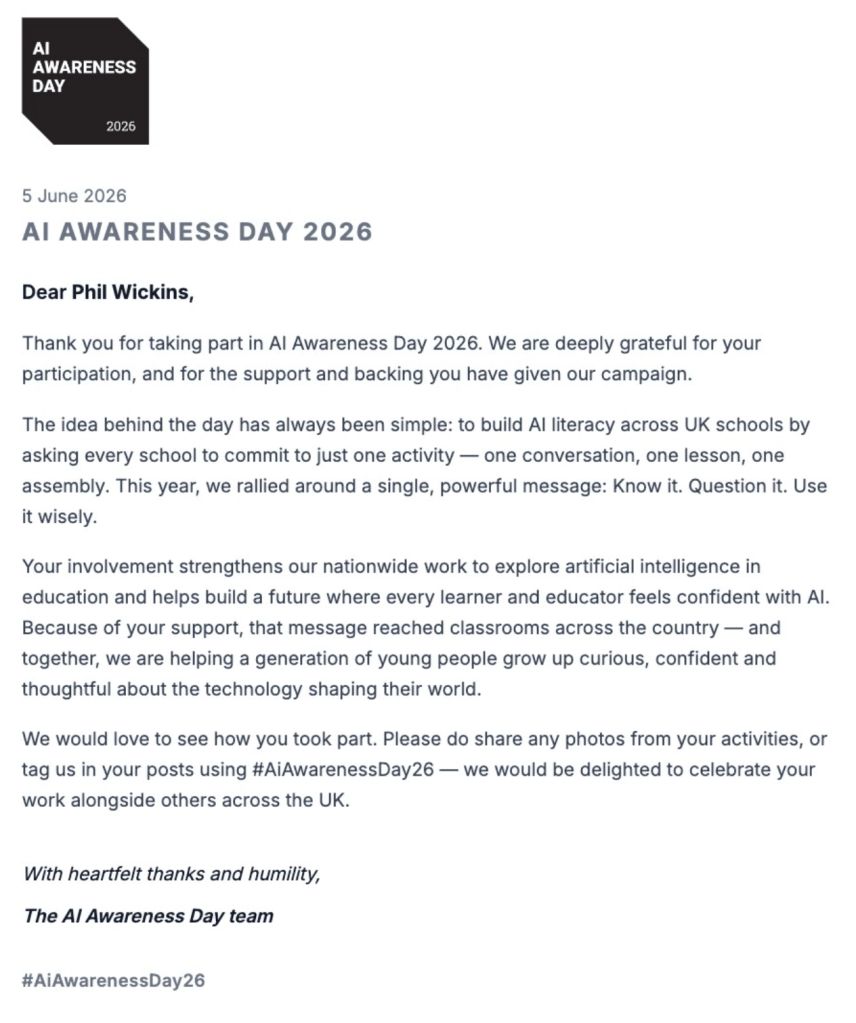
I am also extremely proud to announce that this has been featured on the AI Awareness Day resource collection!
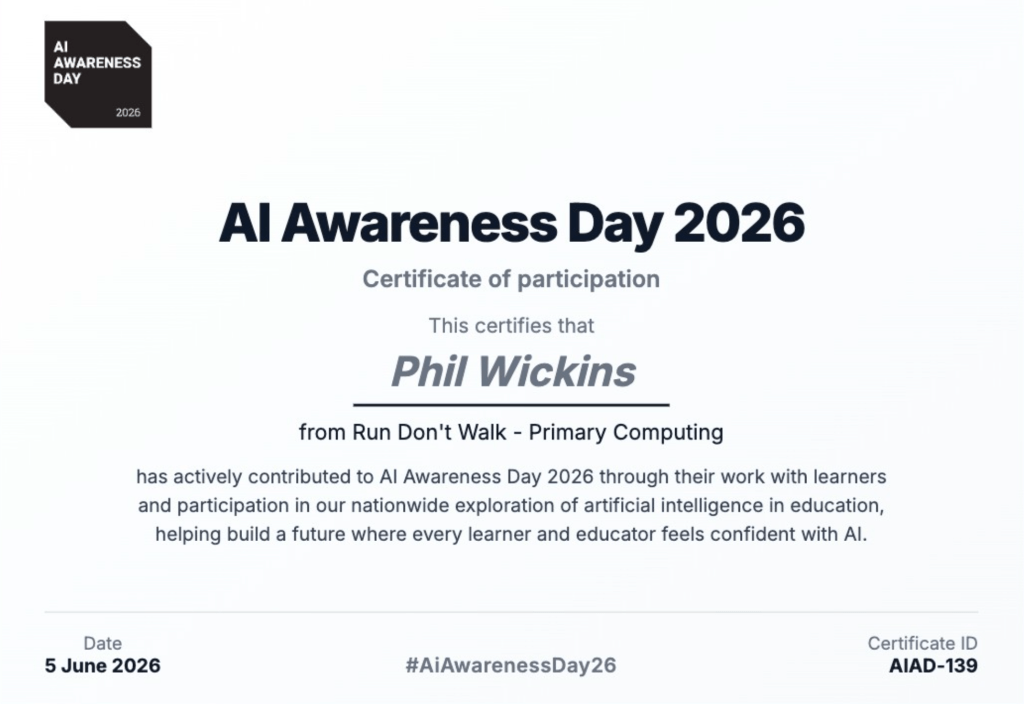
I also received a certificate of participation and a fantastic letter from the AI Awareness Day organisation:
Translations
If you are interested in translating this unit into your language for your country’s curriculum, please get in touch!
🏴
I’m very excited and privileged to be working alongside Ymgynghori Lafan Consulting, who are adapting and translating my AI unit for the Curriculum for Wales! Together we are making sure that all children receive quality teaching on how to approach AI safely and ethically; to enhance thinking, not replace it!
🏴
Dwi’n gyffrous ac yn teimlo’n freintiedig o gael gweithio ochr yn ochr â Ymgynghori Lafan Consulting, sydd yn addasu ac yn cyfieithu fy uned AI ar gyfer Cwricwlwm i Gymru! Gyda’n gilydd rydym am sicrhau bod pob dysgwr yn derbyn addysg AI o ansawdd, er mwyn eu galluogi i fynd i’r afael ag AI yn ddiogel ac yn foesegol; i gyfoethogi meddwl, nid i’w ddisodli!
What do children think about AI??
It’s time for us to challenge the misconceptions!!

