

Why CAD?
Computer Aided Design (CAD) is specifically mentioned in the Design Technology Curriculum in KS2 and KS3, but also can form part of the wider ‘IT’ objectives within computing. Designing in 3D space has been made accessible to younger children thanks to free and simple to use online platforms. It is increasingly becoming more of an an essential part of the digital world, especially with the rise of VR and complex computer games, as well as more traditional applications such as architecture and engineering.
What are my options?
You may use TinkerCAD (which is the recommended 3D design software used in the Teach Computing Curriculum) or you may be looking for something a little more intuitive, less restrictive, more… dare I say… fun? If so, why don’t you check out Sketchup. In my experience, once pupils have got their heads around the basics, they are able to create more complex models much faster compared to what they can achieve in TinkerCAD.


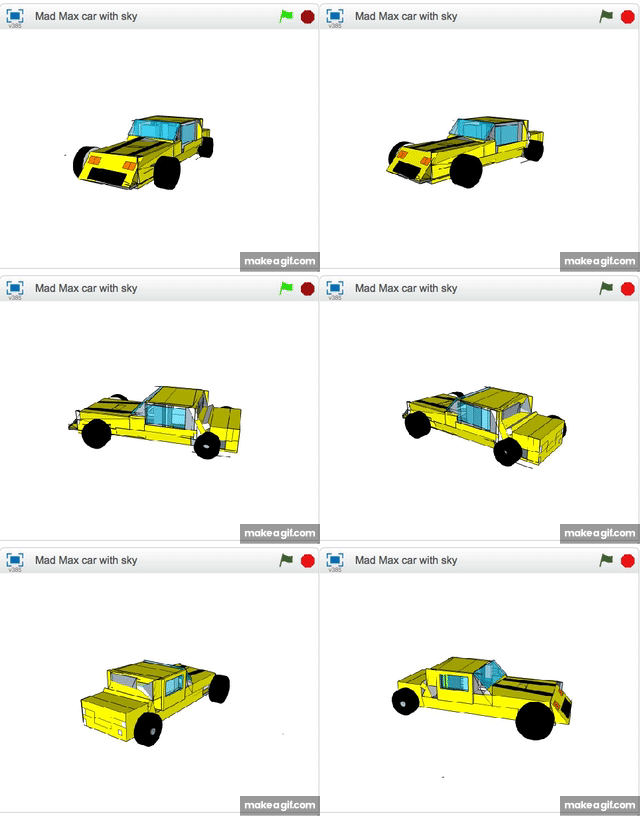

It may seem that there are a few hurdles to get through in order to start modelling on Sketchup online, as there are different subscription services (although free for education) – the best way is to follow the link above, which *should* take you straight to the app. It may require a Google/Microsoft log in to work.
In terms of pupils using it, have a look at this information here which also provides guides on how to install it into either Google or Microsoft systems (including Chromebooks) – Sketchup for Schools
1 hour to get yourself teaching it!
The final issue may be that you as a teacher don’t know how to use it. This is where I have some good news for you! I’m delivering a free workshop via Digit:all charity which will run after school on Tuesday 20th May from 4pm – 5pm. It’s easy to sign up, just book on here:
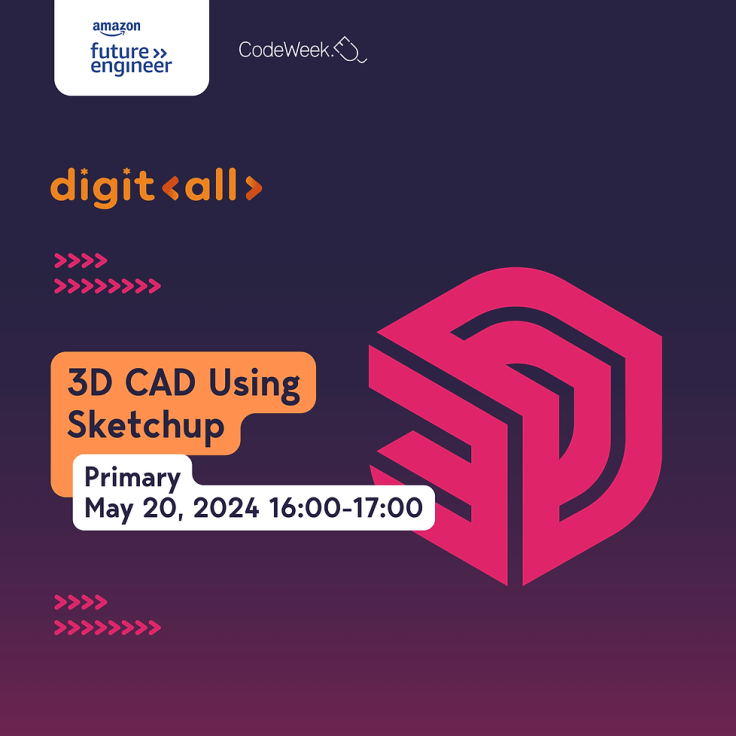
Whether your a beginner, expert, or have simply dabbled a bit, or just want to try something new; all are welcome!
 Run Don't Walk
Leave a comment