
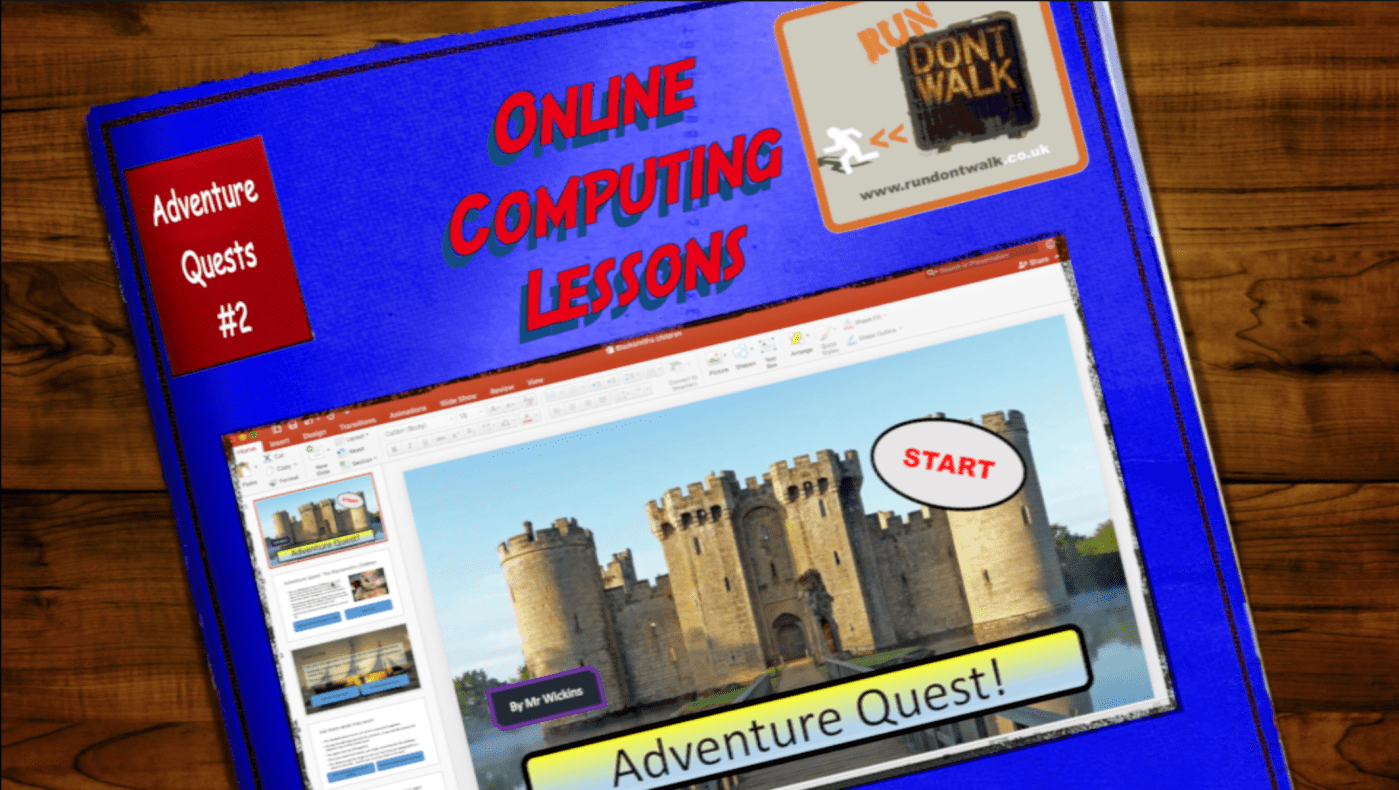
Project #2 – Adventure Quest – A series of online computing lessons for KS2
If you’re looking to add more essential IT skills into your KS2 curriculum, this series of lessons would sit happily in the ‘creating media’ section. You could use this project to replace a unit which perhaps you feel isn’t quite as essential for pupils in preparation for KS3, where presentation software is frequently used and text/image editing skills are a must.
This series of online lessons is designed for any child in Key Stage 2 (recommended Y4 – Y6, or even beyond!) to watch and learn from independently, or for use by a class teacher who is not confident in teaching computing and can learn alongside the children, or study before delivering it in class.
The lessons follow the four levels of abstraction/ 4 stages of a project from Task, to Design Algorithm, to Coding to Evaluating/ Debugging. The aim is that the lessons teach the user key concepts in computing, whilst creating a non-linear narrative (choose your own adventure story!).
All guides and templates can be downloaded from my G Drive here:
Online lessons: Adventure Quests
All of the lessons are short YouTube videos and are in sequence in the playlist:
Run Don’t Walk Online Lessons – Adventure Quests
This project is designed to improve digital literacy skills in IT, as well as literacy and logical sequencing skills.
Have a look at the first one, see what you think!
Using an adventure quest/ myths and legends theme, pupils first plan and then build an interactive story, where the user chooses what the main character does. Using PowerPoint in Kiosk mode (or if you are using Google Slides on Chromebooks, there is a separate tutorial to show you how to adapt), pupils use hyperlinks as a way of navigating through the choices (rather than clicking through as a slide show). This enables the reader to play in role as the main character and attempt to complete the story successfully.
I’ve included my own example interactive story – The Blacksmiths Children – along with the design plan that matches that story. I’ve also included a blank design plan for children who require it, however I usually get children to make their own plans on blank paper so as to not restrict their creativity.
This project works at any stage of KS2; I use it as a platform to teach the following digital literacy and IT skills:
- Opening and saving projects in specific folder locations,
- adding and editing text, and text boxes, (including font, style and size)
- adding and changing format of shapes,
- inserting and editing hyperlinks,
- Changing background and themes,
- Safely searching for images online
- Copyright and ownership
- inserting, resizing, rotating and layering images
- Working with transitions and animations
The following computing skills:
- Logical sequence
- Planning using an algorithm
- Testing and de-bugging
The following Literacy skills:
- Planning a piece of writing
- Reading and editing
- Writing for a purpose/ specific audience
- Using imaginative and creative imagery to describe characters, places, events.
National Curriculum KS2 Computing Objectives met in this project:
Pupils should be taught to:
- use logical reasoning to explain how some simple algorithms work and to detect and correct errors in algorithms and programs
- select, use and combine a variety of software (including internet services) on a range of digital devices to design and create a range of programs, systems and content that accomplish given goals, including collecting, analysing, evaluating and presenting data and information
If you have used this free resource and would like to show your appreciation, why not send a donation to Phil at Run Don’t Walk?
Make a one-time donation
Make a monthly donation
Make a yearly donation
Choose an amount
Or enter a custom amount
Your contribution is appreciated.
Your contribution is appreciated.
Your contribution is appreciated.
DonateDonate monthlyDonate yearlyOr if you’d prefer, why not buy Phil a coffee!!

 Run Don't Walk